Google Business Profile for Hair Salons: A Setup Checklist
By IndieAM ·
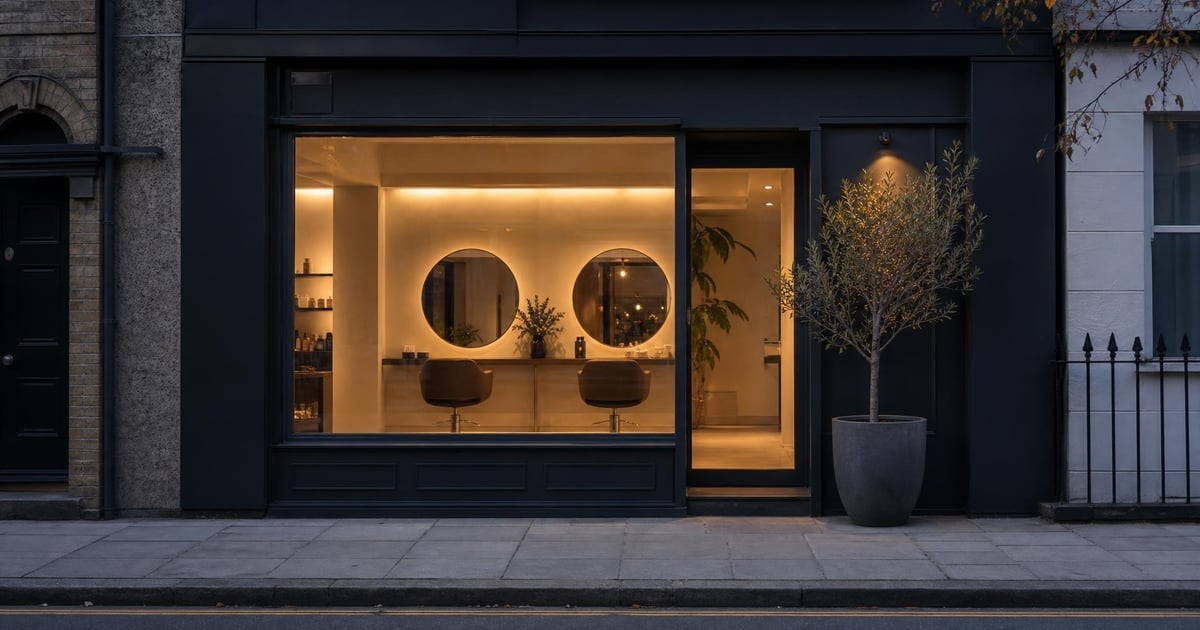
When someone new to the area wants a haircut, they usually search "hair salon near me" and choose from the handful of salons Google shows. Your Google Business Profile is what they see first, often before your Instagram or your website. A complete, current profile with good photos, a clear list of services and recent reviews makes you look like the salon that cares. Here's a checklist to get it there, in about an hour.
If you don't have a profile yet, create one and verify it first. Verification shows Google you're allowed to represent the business, and your photos and posts only appear once it's done.
How does Google decide which salons to show?
Google says local results are based on three things:
- Relevance: how well your profile matches what someone searched.
- Distance: how far you are from them.
- Prominence: how well known you are, including the number and rating of your reviews.
You can't change your distance, and Google says plainly there's no way to pay for a better local ranking. But relevance and prominence are mostly in your hands, and that's what this checklist covers.
1. Use your real name, nothing extra
Use your salon's name exactly as it appears on your door and your receipts. Google's guidelines say adding unnecessary information to your business name isn't permitted, so "Juniper Hair Studio" is fine and "Juniper Hair Studio - Best Balayage Downtown" isn't. A profile with a stuffed name can be suspended, which costs far more than it gains.
Put what you're known for in your description, services and posts instead.
2. Choose the right category
Your category tells Google what you are. Google suggests choosing the fewest categories that describe your core business, as specific as possible, and finishing the sentence "This business IS a..." rather than "This business HAS a...".
For most salons that's Hair salon. Add another only if it's a real part of what you are, such as a barber shop inside the salon. Don't add categories for things you only sell, like hair products.
3. List every service you offer
The services list is where you can be specific. Google lets salons add both its suggested services and your own, so go beyond "haircut" and "color":
- Women's cut, men's cut, children's cut
- Curly cut
- Hand-painted color, highlights, root touch-up, gloss
- Bridal hair and trial
- Extensions, treatments, blow-dry
Give each one a short description in plain words, the way you'd explain it at the front desk. Add a price only if you're sure of it, and keep it current. "From $..." is fine if prices vary.
If you don't see a services section, check your category. It's offered for categories that have services.
4. Add a booking button, if your booking system offers one
If clients can book you online, Google can show a booking button on your profile. When Google introduced it in 2017, it worked through supported scheduling providers: if your booking system was one of them, the button could appear on its own. The details have changed since, so the quickest way to find out is to ask your booking system, or search its help pages for "Google."
If yours doesn't offer it, add your booking page as your website or appointment link, so there's still one tap from your profile to a booking.
5. Keep your hours right, especially on holidays
Wrong hours lose clients. Someone who turns up to a locked door on a Monday won't try again. Set your regular hours, then add special hours for holidays, training days, and the weeks you open late before Christmas.
Put a reminder in your calendar a few weeks before each holiday. It's a two-minute job, and it's one of the easiest ways to look cared for.
6. Add photos of your actual salon
Photos are where a salon can stand out. Google's own tips suggest at least three of each of these:
- Outside, from each direction people approach, so they know what to look for.
- Inside, showing what it feels like to sit in your chair.
- At work, showing your services and team in action.
- Your team, in a relaxed style.
Google asks for photos that are in focus, well lit and "represent reality," without heavy filters or AI. It accepts JPG or PNG between 10 KB and 5 MB, and recommends at least 720 by 720 pixels. Any recent phone photo is fine.
Add your best finished looks as well, with each client's permission. Then add a few new photos every month, so the newest ones on your profile are recent.
7. Ask for reviews, and reply to them
Reviews matter twice: they're part of prominence, and new clients read them. A few good habits:
- Ask right after a great appointment, while the client is still looking in the mirror. Google suggests sharing a link or a QR code. A small card at the front desk works well.
- Never offer anything in return. Google strictly prohibits discounts or free services in exchange for reviews, or for changing or removing one.
- Reply to every review, briefly and personally. Google suggests using the reviewer's name and mentioning what they said, rather than the same thank-you each time.
- Reply to a bad review calmly. Acknowledge it, say what you can do, and take the details offline. Don't share anything private about the client.
- Never try to bury a bad review. Since 2024 the FTC's rule on reviews bans threats and intimidation to remove negative reviews, as well as fake reviews. A calm reply helps you more anyway.
A mix of mostly glowing reviews and one or two honest grumbles often looks more believable than a perfect score.
8. Post updates now and then
You can post updates, offers and events on your profile, and they can show on Search and Maps. They're not known to lift your ranking, but they show the salon is open and active, and they're free. For a salon, good posts are:
- A new stylist, and what they're best at
- Holiday gift cards
- Openings this week
- A seasonal offer with a real end date
- Wedding season: how far ahead to book a trial
About once a week is a sensible pace. Our guide to Google Business Profile posts covers the post types, the rules and what's known about ranking.
A five-minute monthly check
Once it's set up, keeping it right takes very little:
- Reply to any new reviews.
- Add three or four new photos.
- Check your hours for the coming month's holidays.
- Update any service or price that's changed.
- Post one or two updates.
If you'd rather not write the posts yourself
The setup is a one-off. The posts are the part that slips when the salon is busy. IndieAM, which we make, writes Google Business Profile updates alongside your Instagram, Facebook and TikTok posts, all in your voice and planned around the services you want more of. Your social posts publish themselves once you approve them. Google Business Profile updates come ready to copy and paste, since IndieAM can't publish to Google yet, and a daily email tells you which are due. It won't reply to reviews or take bookings. Here's how it works for hair salons.
For the rest of your marketing, see how to get more salon clients from social media.