How to Run Holiday Preorders at a Small Bakery
By IndieAM ·
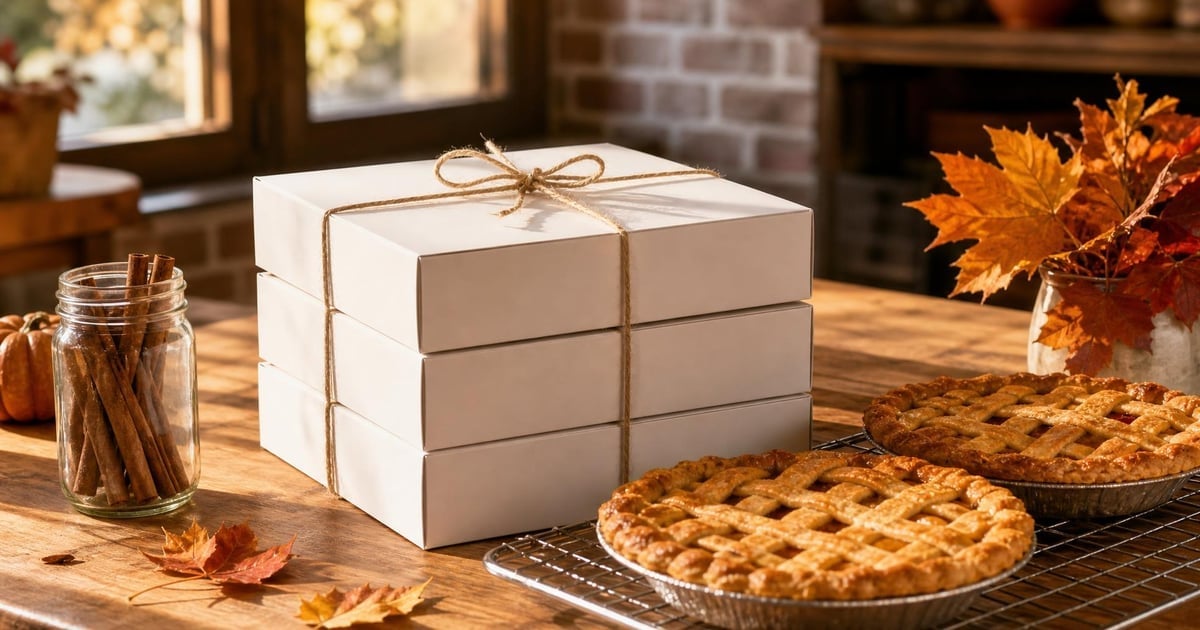
Holiday preorders work when the decisions are made before the first post goes out: what you'll offer, how many you can bake, the order deadline and the collection times. Then a simple run of posts over about three weeks brings orders in while there's still time to plan, instead of all at once in the last two days. Here's how to set one up, with Thanksgiving pies as the example. The same steps work for holiday cookies, Easter bakes or Valentine's boxes.
Why preorders are worth the effort
- You bake what's sold, with less waste and fewer late nights guessing.
- You know your numbers early, so you can order ingredients and plan staff.
- Customers get what they wanted, instead of finding an empty case on the day.
- The holiday rush is calmer, because most orders are collected at set times.
The catch is that people need to hear about it weeks ahead, which is exactly when you're busiest.
Step 1: Decide what you'll offer
Keep it short. A small menu is easier to bake, easier to explain and easier to choose from:
- Three to five items at most, such as two pies, a loaf and a box of rolls.
- One size each, or two at most.
- A clear price for each.
- Your deal, if you have one, such as a little off when someone orders two. Decide it now, with its terms, and use exactly the same words everywhere.
Write down what's in each item. Customers will ask about allergens, and milk, eggs, wheat, tree nuts, peanuts, soy and sesame are among the FDA's nine major food allergens. A short line on your order page saves a lot of questions.
Step 2: Decide how many you can make
This is the decision most bakeries skip, and it's the one that saves you on the day.
- Count your oven capacity for the days before the holiday, not a normal week.
- Set a cap for each item, and stop taking orders when it's reached.
- Keep a few back for walk-ins on the day, if you can.
Saying "sold out" a few days early is much better than baking until 3 a.m.
Step 3: Set the deadline and collection times
- An order deadline a few days before the holiday, so you can order ingredients and plan.
- Collection slots, such as Tuesday and Wednesday, 7 to 10 a.m. or 2 to 6 p.m. Spreading collections out keeps the line short.
- Your holiday hours, set on Google with special hours for the days you're open late or closed.
- What happens if someone misses their slot.
Step 4: Make ordering easy
- One way to order. An online order form, your shop's ordering system, or at the counter. Not five.
- Take payment up front, or a deposit, so orders are real.
- A confirmation with the item, the collection day and time, and the address.
- A reminder the day before collection.
Step 5: Plan the run of posts
About three weeks is a good length for most holidays. That's our suggestion: adjust it for your customers. A simple run:
Three weeks before:
- Preorders are open. What's on offer, the price, your deal, the deadline and how to order. Pin it to the top of your profile.
- Email your regulars first, if you have a list. Here are newsletter ideas for small businesses.
- Post it on your Google Business Profile. Google lets you post offers and updates there.
Two weeks before:
- Show how one item is made. The lattice going on, the pie coming out of the oven. A short video.
- Answer the common questions: how far ahead to collect, how to keep it fresh, how to reheat it.
The week of the deadline:
- A reminder of the deadline, with what's left. "Apple pies are nearly gone, pumpkin still open."
- A last call the day before the deadline.
Collection days:
- Collection times and the address, in a post and a Story.
- A thank-you afterwards, with a photo of the empty shelves.
Every post should say the same deal and the same deadline, word for word. Changing the wording halfway through confuses people.
Step 6: Handle the day calmly
- Label every order with the name and the item, the day before.
- Have a list at the counter, ordered by collection time.
- Set aside a space for collections so they don't block walk-in customers.
- Keep extras for walk-ins, if you planned any, and post what's left on the morning itself.
Step 7: Learn for next time
Right after the holiday, while you remember, write down:
- how many of each item sold, and when they sold out,
- which posts brought orders, if you asked people how they heard,
- what went wrong on collection day,
- what you'd change.
Next year's preorder is half planned already.
A year of preorders
Most bakeries can run a few preorders a year without wearing themselves out:
- Valentine's Day: boxes of cookies or small cakes.
- Easter: hot cross buns, special breads, decorated cookies.
- Mother's Day: cakes, pastry boxes, brunch boxes.
- Thanksgiving: pies, rolls, stuffing bread.
- The December holidays: cookies, festive breads, gift boxes.
Pick the two or three that suit your bakery best, and do them well.
For posts between holidays, here are 40 Instagram post ideas for bakeries. For the rest of your marketing, see how to get more bakery customers.
If you'd rather not write the posts yourself
Preorders only work if people hear about them weeks ahead, which is exactly when you're busiest. IndieAM, which we make, plans a campaign around the preorder and its deadline and writes the whole run of posts in one go, each one reminding people of the deal and the date you set. It's built to mention only the deal you add, never one it made up. You approve the plan and each post, and approved posts publish themselves to the Instagram, Facebook and TikTok accounts you connect. Newsletters and Google Business Profile updates come ready to copy, and a daily email tells you what's due. It doesn't take orders. Here's how it works for bakeries.